


By Louis Balla, Chief Revenue Officer, Nuage. Updated October 2026.
To improve or optimize NetSuite performance, find out where the time goes before you change settings. Oracle’s Application Performance Management (APM) SuiteApp reports how long each record takes to load and save, and which scripts run on it. The fixes below run from changes any user can make to ones that need an administrator or the network team.
- Set user preferences so pages load less data at once.
- Narrow saved searches and reports, and schedule the long ones.
- Find the scripts and workflows that slow down specific records.
- Minimize slow dashboard portlets.
- Check that your firewall and proxy let NetSuite traffic through.
Why is NetSuite running slow?
Slowness that affects one person usually has a different cause from slowness that affects everyone on one record, so start by pinning down who sees it and where. This table maps what users report to the place to look first.
| What users notice | Where to look first | Who usually makes the change |
|---|---|---|
| One user’s pages load slowly while others are fine | That user’s settings under Home > Set Preferences, and the portlets on their dashboard | The user |
| The home dashboard takes a long time to open | KPI portlets and custom saved search portlets on the dashboard | The user, or an administrator for a published dashboard |
| One record type is slow to open or save for everyone | Scripts and workflows deployed on that record, measured in APM | Administrator or developer |
| A saved search or report is slow or times out | The date range, any system notes criteria, and whether it could run on a schedule | The search owner or an administrator |
| Every page is slow from the office and faster from outside the company network | Firewall and proxy server settings | Network team |
How to optimize NetSuite preferences for speed
Each user can change these settings at Home > Set Preferences. Oracle’s help page on optimizing NetSuite preferences describes each one.
- On the Appearance subtab, set Landing Page to the page you open most often, so NetSuite opens there instead of loading the Home dashboard first.
- On the General subtab, check Delay Loading of Sublists. Pages then open without the data on their subtabs, and each subtab loads only when you click it.
- Set Number of Rows in List Segments to a lower number. Long lists load one segment at a time, and Oracle suggests 50 as a balanced setting.
- Set Maximum Entries in Dropdowns to 50 or fewer. Any list longer than that opens in a popup, which loads only when you search it or click the list icon.
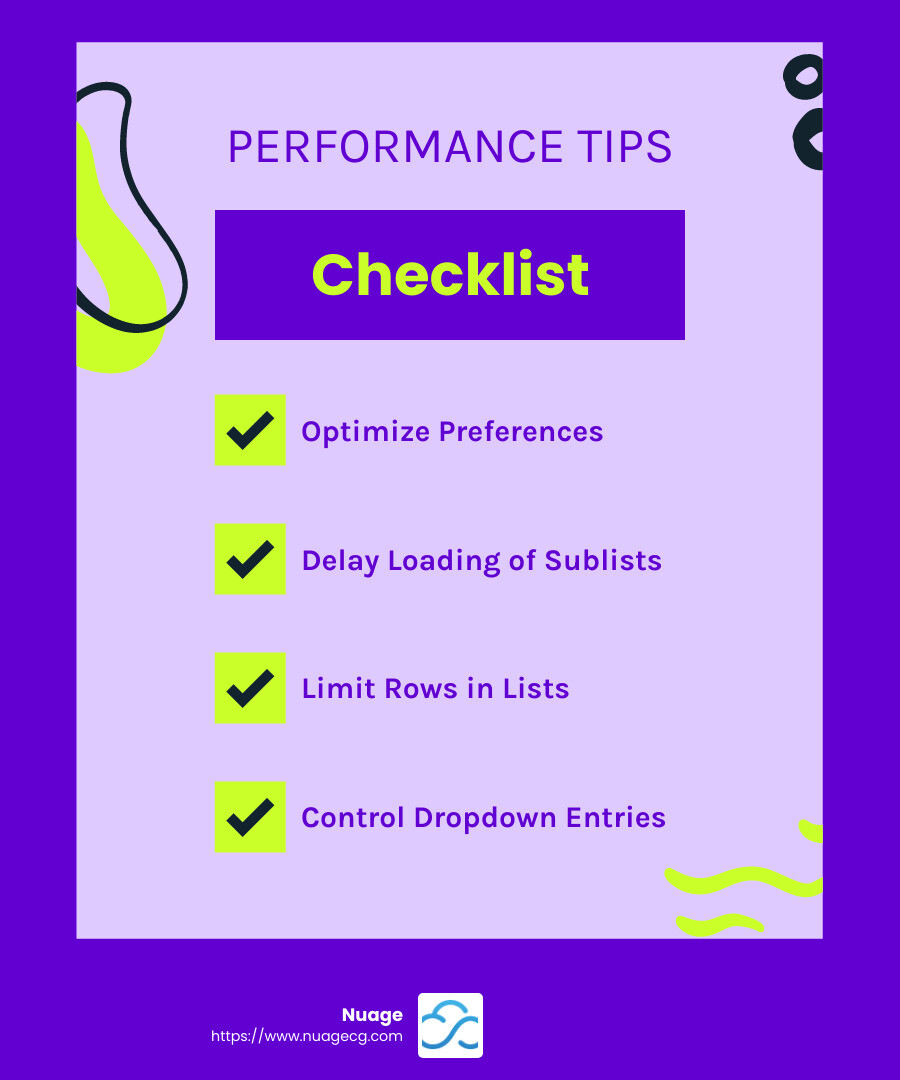
These settings change what a page loads, so they help most on records with many subtabs and on lists with thousands of entries. They will not speed up a record that is slow because of the scripts that run when it saves. The troubleshooting section below covers those.
How to optimize NetSuite saved searches and reports
A saved search is a query you define once and reuse in lists, reports, dashboards and scripts. Oracle’s guidance on optimizing search and performance reporting recommends these steps:
- Schedule long searches. A scheduled saved search runs in the background and can email its results to the people you choose, so nobody waits on it during the working day.
- Limit the date range. Run searches and reports on the shortest period that answers the question.
- Keep system notes out of search criteria. System notes hold a large volume of history. If a search depends on a record’s history, Oracle suggests storing that value in a custom field on the record.
- Check slow searches in APM. The Search Performance Details tool shows which searches take longest and who runs them.
The size of the search library matters too. In 2026 we logged environment-assessment findings for 15 client accounts, and at least 10 included a finding about saved searches, such as searches owned by people who have left or libraries where every search is public. In one account, 5,650 of 6,541 saved searches (86%) had been generated automatically by an unidentified process, and a recheck about three weeks after the finding was logged counted 46 more. In another, 874 of 993 searches belonged to a single inactive user.
Before you delete anything, find out which searches feed dashboards or scripts and which send scheduled emails. Our NetSuite reporting solutions guide covers how saved searches and reports fit together.
NetSuite troubleshooting and optimization: finding slow scripts and workflows
When one record type is slow for everyone, the cause is often custom logic that runs as the record loads or saves. The Application Performance Management (APM) SuiteApp measures this. Its Page Time Summary, under Customization > Performance, shows response times by record type and lists the scripts and workflows that ran, so you can see which customization takes the time.
Here is how that looked on one account. When an engineering services firm reported system-wide slowness, including a payroll calculation that took over an hour, our team pulled two weeks of APM data. Employee record saves averaged 30.56 seconds and custom form saves 23.73 seconds. The most frequent action, viewing a project, averaged 5.49 seconds across 433 instances. Those figures pointed the review at server-side logic on the two slow saves. The client later reported a payroll run of eight minutes and said speed varied by day, and the ticket closed 14 days after it opened because no timestamps were available for the remaining complaints.
Collect timings like these before you choose a fix. If your account carries scripts written by a developer who is no longer available, our guide to NetSuite customization support covers how to take them over.
How to speed up NetSuite dashboards
Every portlet on a dashboard loads its data when the page opens. Oracle’s page on optimizing dashboard portlets names Key Performance Indicators portlets and custom saved search portlets as the ones that most often slow a page down.
- Minimize slow portlets. Click a portlet’s title to minimize it. It stays minimized the next time you log in, and its data loads only when you expand it.
- Use the Shortcuts portlet. If you need to reach a report or search but do not need to see its results every time you log in, add a shortcut to it instead of a portlet.
- Keep the portlets you check daily. Remove the rest, or move their content to a shortcut.
Our guide to NetSuite dashboards covers building dashboards by role, including how to publish a lean layout to everyone in a role.
Optimizing firewall and proxy settings for NetSuite
If pages load slowly or time out for everyone in one office, test the network before changing anything inside NetSuite. Oracle’s page on optimizing firewalls and proxy servers suggests these checks for your network team:
- Test from outside the firewall. If NetSuite is faster from outside the company network, set the firewall to allow traffic to and from NetSuite’s domains. Oracle notes that an explicit rule for these domains may reduce latency.
- Open the required ports. Port 80 for HTTP, port 443 for HTTPS, and port 1708 for SuiteAnalytics Connect.
- Check proxy caching. A proxy server can return cached pages, which shows users out-of-date NetSuite data. Ask your network team whether NetSuite traffic passes through a caching proxy.
How to keep NetSuite performance reliable long-term
The steps above address slowness users report now. Accounts slow down again as data and customizations accumulate, so build these checks into your administrator’s routine:
- Review the saved search library on a schedule. Look for searches owned by inactive users and for libraries where every search is public.
- Make unused records inactive. Inactive items and vendors drop out of dropdowns and lookups. With the Duplicate Detection feature enabled, NetSuite can find duplicate customer and vendor records so you can merge them.
- Measure before and after each new script or workflow. Run APM on the record before a customization goes live and again afterwards, so you know what the change cost.
- Check how a slow process was set up before scheduling more training. In the support work our team classifies by root cause, user training is the least common cause, well behind configuration and business-process design. When a team tells us people struggle with the system, we look first at how it was set up and how the process was translated into it.
Our NetSuite health check lists more signs that an account needs a review.
How Nuage approaches NetSuite performance work
In recent performance tickets from 2025 and 2026, our team has worked through these steps:
- Measure over a working period. On the engineering services account above, two weeks of APM data showed which saves took longest and how long the most frequent action took.
- Reproduce the slowness in production. Timing in a sandbox does not reflect production, so our team timed the slow records in the live account.
- Compare first loads with repeat loads. Our team compared each user’s first load of a record type with repeat loads, since the first load in a session is slower. Oracle calls this first-load latency: NetSuite caches parts of each record and action, so later loads run faster.
- List every script and workflow on the slow record. Our team then recommended which ones to merge or retire and which to rewrite.
Our team does this work as part of ongoing NetSuite optimization and managed services.
NetSuite performance FAQ
How can I improve NetSuite performance?
Start with the APM SuiteApp to see which records and searches are slow. Then work through the fixes in order: set Delay Loading of Sublists and lower the list and dropdown limits in your preferences, narrow and schedule long saved searches, minimize slow dashboard portlets, and review the scripts and workflows on any record that is slow for everyone. If the whole office is slow, test from outside the firewall.
What are common NetSuite performance issues?
The common ones are slow record saves, a slow home dashboard, saved searches that time out, and pages that load slowly from one location. Slow saves usually trace to scripts or workflows on the record. A slow dashboard usually traces to KPI or saved search portlets. Timeouts on searches often come from long date ranges or system notes criteria, and location-specific slowness points to the firewall or proxy.
Should you test NetSuite performance in a sandbox?
Use the sandbox to test that a fix works, and measure speed in production. Timing in a sandbox does not reflect production, so in recent performance tickets our team reproduced slowness and compared timings in the live account. When you measure, compare a user’s first load of a record in a session with later loads, because the first load is slower.
What does NetSuite optimization include?
NetSuite optimization covers the settings, searches, dashboards, scripts and workflows in an account, and the business processes they support. Performance tuning is one part. The rest is adjusting how the account is configured so it matches how the business works today. Most of that work is configuration and process design.
What is the difference between NetSuite troubleshooting and optimization?
Troubleshooting starts from a symptom, such as a slow record save or a search that times out, and finds the cause with APM and the checks above. Optimization is the longer routine of keeping preferences, searches, dashboards, scripts and workflows lean as the account grows. The two use the same measurements, so a timing taken during troubleshooting becomes the baseline for later optimization work.
About the author
Louis Balla is Chief Revenue Officer at Nuage, a NetSuite optimization partner that has served 250+ clients since 2011 and holds a 4.9 out of 5 rating on Clutch. The client performance work in this article was done by Nuage’s NetSuite experts.


