

Why Your Business Needs Real-Time Insights
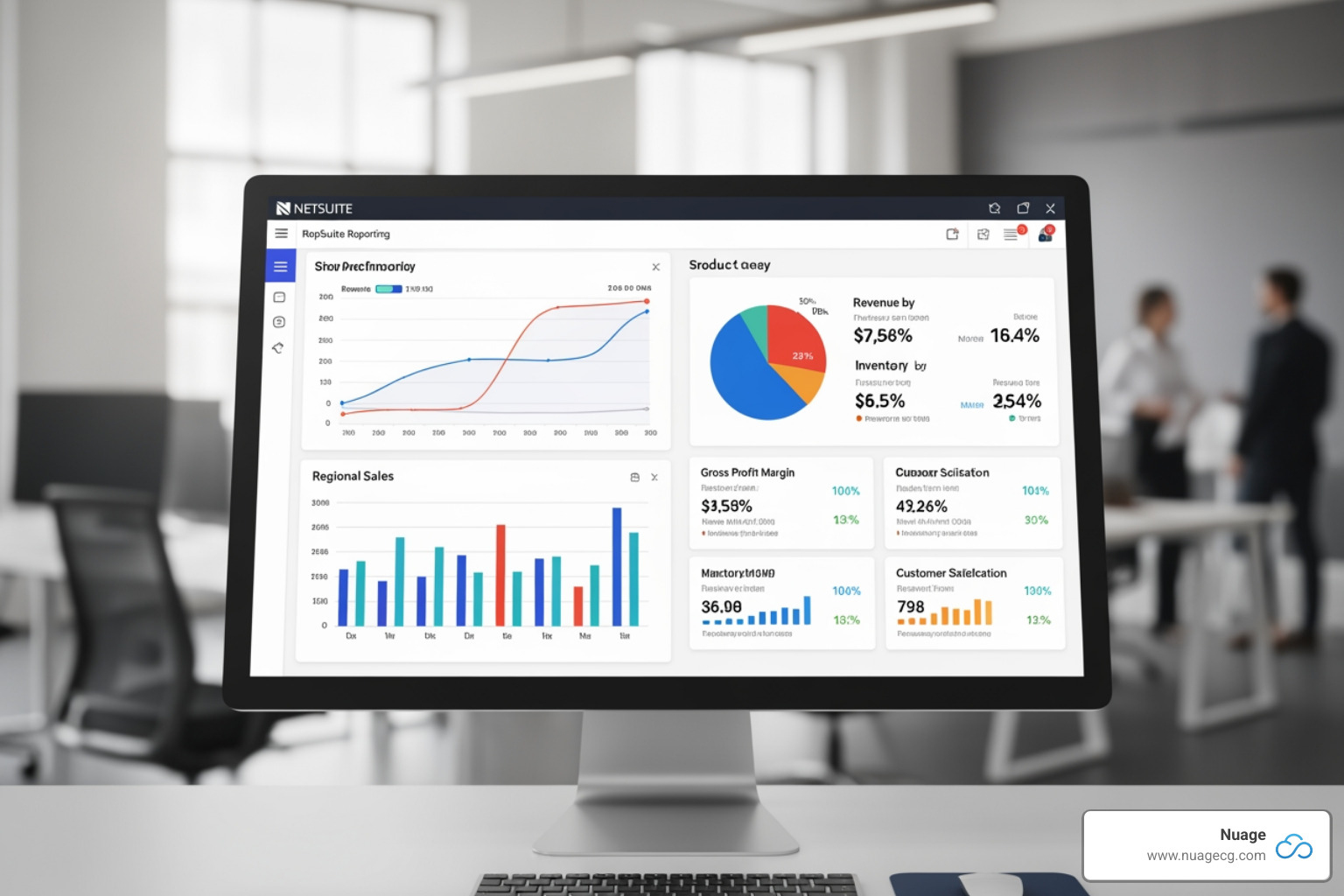
NetSuite reporting capabilities empower businesses to transform raw data into actionable insights through real-time dashboards, customizable reports, and advanced analytics tools. The platform includes:
- Pre-built reports covering financial statements, inventory, sales, and operational metrics
- Saved Searches for flexible, on-demand data queries
- Role-based dashboards featuring KPIs, charts, and report snapshots
- SuiteAnalytics Workbook for interactive pivot tables and drag-and-drop analysis
- NetSuite Analytics Warehouse to consolidate data from multiple sources
- Report Builder for no-code customization of standard reports
Most businesses face a critical challenge: they’re drowning in data but starving for insights. Manual reporting consumes hours of valuable time. Data lives in disconnected silos across spreadsheets, legacy systems, and the ERP itself. By the time a report reaches decision-makers, the opportunity has already passed.
One controller described the change perfectly: “Before NetSuite, hours were spent each month creating profit and loss statements and reports for individual business entities, then consolidating data in Excel for leadership. Now, all that can be obtained by clicking a button. It’s night and day.”
Real-time visibility isn’t a luxury anymore—it’s a competitive necessity. When you can instantly track cash flow, monitor inventory levels, analyze customer behavior, and measure team performance, you stop reacting to problems and start preventing them. You move from asking “what happened last month?” to “what’s happening right now, and what should we do next?”
NetSuite delivers this visibility through a unified platform where financial, operational, and customer data flow together automatically. No more reconciling multiple spreadsheets. No more waiting for IT to generate custom reports. No more making decisions based on stale information.
I’m Louis Balla, CRO at Nuage, and I’ve spent over 15 years helping businesses open up the full potential of their NetSuite reporting capabilities through strategic optimization and third-party integrations. Most companies use only 20% of what NetSuite offers—my mission is to help you operate like industry leaders by mastering the other 80%.

The Core of NetSuite: Native Reporting Tools
At its heart, NetSuite is designed to provide real-time visibility into every aspect of your business. Our experience with clients in Manhattan Beach, CA, Ponte Vedra, FL, and Jacksonville, FL, has shown us that the core NetSuite reporting capabilities are incredibly robust, offering a comprehensive suite of tools right out of the box. These native capabilities are built to retrieve, present, and analyze real-time business results, empowering you to make informed decisions without delay.
NetSuite provides hundreds of standard reports, including various financial statements that are pre-formatted to meet country-specific requirements. This means you can hit the ground running, leveraging industry-standard reports for easy data access. NetSuite’s financial reporting module, in particular, equips finance and accounting teams with powerful data analysis and visualization tools.
A challenge businesses face is fragmented data—information scattered across multiple spreadsheets and disparate systems. NetSuite directly addresses this by centralizing all your data into a single source of truth. This eliminates data silos, drastically reduces the time spent on consolidation and reconciliation, and ensures that everyone is working from the same accurate information. This demand for accuracy and speed in reporting is a key driver behind the wider adoption of ERP platforms. In fact, Grand View Research estimates the global ERP software market size will reach $123 billion by 2030, growing at a CAGR of 11.7% from 2025 to 2030, reflecting the increasing pressure to automate processes and gain deeper insights.
The benefits of these native NetSuite reporting capabilities are clear: we help clients get up and running faster with prebuilt reports, make better decisions with secure, self-service tools, and achieve more efficient reporting thanks to a central database. By incorporating key metrics into dashboards and KPIs, NetSuite transforms inefficient manual reporting into a streamlined, proactive process.
To dive deeper into how NetSuite can revolutionize your business operations, explore More info about NetSuite solutions.
Dashboards and KPIs: Your Business Command Center
Imagine having a personalized command center that gives you an instant pulse on your business. That’s exactly what NetSuite Dashboards and Key Performance Indicators (KPIs) offer. These powerful tools provide a high-level visual representation of business performance, allowing you to monitor critical metrics at a glance.
NetSuite’s SuiteAnalytics reporting and dashboard solution provides built-in, real-time reporting, searches, KPIs, and dashboards. With embedded analytics, we can help you perform actionable analysis and gain meaningful operational and financial insights into company performance across multiple departments and teams.
A COO we worked with once told us they log into their customized NetSuite dashboard daily. It provides them with precisely the information they need, offering far greater visibility than they ever had with Excel spreadsheets. This personalization is key: dashboards can be custom to each team or individual user, ensuring that every stakeholder, from executives to project managers, sees the metrics most relevant to their role.
KPIs are the heartbeat of your dashboard. They highlight variances and trends in business performance as they happen, often displayed graphically for easy monitoring. You can add Report Snapshot portlets to your dashboard pages to view a summary of a report’s results for a selected date or time period, providing quick overviews that link directly to detailed data.
Monitoring business performance becomes intuitive. You’re not just seeing numbers; you’re seeing trends, potential issues, and areas of opportunity, all updated in real-time. This proactive approach is a game-changer. For a visual tour of this powerful feature, check out the NetSuite Dashboard Overview (Video).
Saved Searches vs. Reports: What’s the Difference?
When we talk about NetSuite reporting capabilities, two terms often come up: Saved Searches and Reports. While both are crucial for extracting data, they serve different purposes, like two different tools in a well-equipped workshop.
A Saved Search is like a super-flexible, real-time query tool. It helps you extract precisely the information you need from NetSuite’s vast database without any additional coding or customization. Saved searches are ideal for ad-hoc analysis, creating dynamic lists, or setting up alerts based on specific criteria. They are incredibly versatile and can be embedded in dashboards, automated for sharing, and exported in various formats.
Reports, on the other hand, are more structured and formal. They are designed for formatted, printable outputs, such as financial statements (think Income Statements, Balance Sheets, and Cash Flow Statements). NetSuite provides hundreds of standard reports, many pre-formatted for specific business areas. While reports can be modified, they generally offer less flexibility for on-the-fly data manipulation compared to saved searches. For financial statements, NetSuite even provides a specialized interface called the Financial Report Builder for direct customization.
Here’s a quick comparison to help clarify the distinction:
| Feature | Saved Searches | Reports |
|---|---|---|
| Use Case | Ad-hoc queries, custom lists, alerts, operational analysis | Formal financial statements, formatted presentations, regulatory compliance |
| Customization Level | Highly flexible, easy to modify on the fly | More structured, uses specific templates |
| Formatting | Basic formatting, focus on data extraction | Professional formatting, print-ready layouts |
| Real-time Data | Always current, pulls live data | Always current, pulls live data |
| Scheduling | Can be scheduled and automated | Can be scheduled and automated |
Both tools are powerful—it’s just about using the right one for the job. Need quick answers or want to slice data in unusual ways? Saved searches. Need polished financial statements or formal reports? Standard reports or the Financial Report Builder.
Customizing Your View: The NetSuite Report Builder
One size rarely fits all when it comes to business reporting. What works for a retail company doesn’t work for a manufacturer. What your finance team needs looks nothing like what your sales team wants. That’s where the NetSuite Report Builder comes in.
The Report Builder lets you tailor reports to your exact specifications without writing a single line of code. You can filter and sort data to focus on what matters, group results by department, region, product line, or any other dimension that makes sense for your business. Need to include custom fields you’ve created? No problem—add them right into your reports.
The beauty of this no-code customization is that you’re not dependent on IT or consultants to make changes. Your finance manager can modify a report to show different time periods. Your operations director can adjust groupings to analyze performance by warehouse. Your sales VP can filter by territory or product category.
Once you’ve built a report that works, you can save it as a reusable template. This means you’re not starting from scratch every month or quarter—you’re simply refreshing data in a format you know works. This consistency also makes it easier to spot trends over time, since you’re comparing apples to apples.
The Report Builder transforms NetSuite from a system that shows you data to a system that shows you your data, your way. And when reporting matches how you actually think about your business, insights come naturally.
Why Your Business Needs Real-Time Insights
NetSuite reporting capabilities empower businesses to transform raw data into actionable insights through real-time dashboards, customizable reports, and advanced analytics tools. The platform includes:
- Pre-built reports covering financial statements, inventory, sales, and operational metrics
- Saved Searches for flexible, on-demand data queries
- Role-based dashboards featuring KPIs, charts, and report snapshots
- SuiteAnalytics Workbook for interactive pivot tables and drag-and-drop analysis
- NetSuite Analytics Warehouse to consolidate data from multiple sources
- Report Builder for no-code customization of standard reports
Most businesses face a critical challenge: they’re drowning in data but starving for insights. Manual reporting consumes hours of valuable time. Data lives in disconnected silos across spreadsheets, legacy systems, and the ERP itself. By the time a report reaches decision-makers, the opportunity has already passed.
One controller described the change perfectly: “Before NetSuite, hours were spent each month creating profit and loss statements and reports for individual business entities, then consolidating data in Excel for leadership. Now, all that can be obtained by clicking a button. It’s night and day.”
Real-time visibility isn’t a luxury anymore—it’s a competitive necessity. When you can instantly track cash flow, monitor inventory levels, analyze customer behavior, and measure team performance, you stop reacting to problems and start preventing them. You move from asking “what happened last month?” to “what’s happening right now, and what should we do next?”
I’m Louis Balla, CRO at Nuage, and I’ve spent over 15 years helping businesses open up the full potential of their NetSuite reporting capabilities through strategic optimization and third-party integrations. Most companies use only 20% of what NetSuite offers—my mission is to help you operate like industry leaders by mastering the other 80%.
The Core of NetSuite: Native Reporting Tools
At its heart, NetSuite is designed to provide real-time visibility into every aspect of your business. Our experience with clients in Manhattan Beach, CA, Ponte Vedra, FL, and Jacksonville, FL, has shown us that the core NetSuite reporting capabilities are incredibly robust, offering a comprehensive suite of tools right out of the box. These native capabilities are built to retrieve, present, and analyze real-time business results, empowering you to make informed decisions without delay.
NetSuite provides hundreds of standard reports, including various financial statements that are pre-formatted to meet country-specific requirements. This means you can hit the ground running, leveraging industry-standard reports for easy data access. NetSuite’s financial reporting module, in particular, equips finance and accounting teams with powerful data analysis and visualization tools.
A challenge businesses face is fragmented data—information scattered across multiple spreadsheets and disparate systems. NetSuite directly addresses this by centralizing all your data into a single source of truth. This eliminates data silos, drastically reduces the time spent on consolidation and reconciliation, and ensures that everyone is working from the same accurate information. This demand for accuracy and speed in reporting is a key driver behind the wider adoption of ERP platforms. In fact, Grand View Research estimates the global ERP software market size will reach $123 billion by 2030, growing at a CAGR of 11.7% from 2025 to 2030, reflecting the increasing pressure to automate processes and gain deeper insights.
The benefits of these native NetSuite reporting capabilities are clear: we help clients get up and running faster with prebuilt reports, make better decisions with secure, self-service tools, and achieve more efficient reporting thanks to a central database. By incorporating key metrics into dashboards and KPIs, NetSuite transforms inefficient manual reporting into a streamlined, proactive process.
To dive deeper into how NetSuite can revolutionize your business operations, explore More info about NetSuite solutions.
Dashboards and KPIs: Your Business Command Center
Imagine having a personalized command center that gives you an instant pulse on your business. That’s exactly what NetSuite Dashboards and Key Performance Indicators (KPIs) offer. These powerful tools provide a high-level visual representation of business performance, allowing you to monitor critical metrics at a glance.
NetSuite’s SuiteAnalytics reporting and dashboard solution provides built-in, real-time reporting, searches, KPIs, and dashboards. With embedded analytics, we can help you perform actionable analysis and gain meaningful operational and financial insights into company performance across multiple departments and teams.
A COO we worked with once told us they log into their customized NetSuite dashboard daily. It provides them with precisely the information they need, offering far greater visibility than they ever had with Excel spreadsheets. This personalization is key: dashboards can be custom to each team or individual user, ensuring that every stakeholder, from executives to project managers, sees the metrics most relevant to their role.
KPIs are the heartbeat of your dashboard. They highlight variances and trends in business performance as they happen, often displayed graphically for easy monitoring. You can add Report Snapshot portlets to your dashboard pages to view a summary of a report’s results for a selected date or time period, providing quick overviews that link directly to detailed data.
Monitoring business performance becomes intuitive. You’re not just seeing numbers; you’re seeing trends, potential issues, and areas of opportunity, all updated in real-time. This proactive approach is a game-changer. For a visual tour of this powerful feature, check out the NetSuite Dashboard Overview (Video).
Saved Searches vs. Reports: What’s the Difference?
When we talk about NetSuite reporting capabilities, two terms often come up: Saved Searches and Reports. While both are crucial for extracting data, they serve different purposes, like two different tools in a well-equipped workshop.
A Saved Search is like a super-flexible, real-time query tool. It helps you extract precisely the information you need from NetSuite’s vast database without any additional coding or customization. Saved searches are ideal for ad-hoc analysis, creating dynamic lists, or setting up alerts based on specific criteria. They are incredibly versatile and can be embedded in dashboards, automated for sharing, and exported in various formats.
Reports, on the other hand, are more structured and formal. They are designed for formatted, printable outputs, such as financial statements (think Income Statements, Balance Sheets, and Cash Flow Statements). NetSuite provides hundreds of standard reports, many pre-formatted for specific business areas. While reports can be modified, they generally offer less flexibility for on-the-fly data manipulation compared to saved searches. For financial statements, NetSuite even provides a specialized interface called the Financial Report Builder for direct customization.
Here’s a quick comparison to help clarify the distinction:
| Feature | Saved Searches | Reports |
|---|---|---|
| Use Case | Ad-hoc queries, custom lists, alerts, operational analysis | Formal financial statements, formatted presentations, regulatory compliance |
| Customization Level | Highly flexible, easy to modify on the fly | More structured, uses specific templates |
| Formatting | Basic formatting, focus on data extraction | Professional formatting, print-ready layouts |
| Real-time Data | Always current, pulls live data | Always current, pulls live data |
| Scheduling | Can be scheduled and automated | Can be scheduled and automated |
Both tools are powerful—it’s just about using the right one for the job. Need quick answers or want to slice data in unusual ways? Saved searches. Need polished financial statements or formal reports? Standard reports or the Financial Report Builder.
Customizing Your View: The NetSuite Report Builder
One size rarely fits all when it comes to business reporting. What works for a retail company doesn’t work for a manufacturer. What your finance team needs looks nothing like what your sales team wants. That’s where the NetSuite Report Builder comes in.
The Report Builder lets you tailor reports to your exact specifications without writing a single line of code. You can filter and sort data to focus on what matters, group results by department, region, product line, or any other dimension that makes sense for your business. Need to include custom fields you’ve created? No problem—add them right into your reports.
The beauty of this no-code customization is that you’re not dependent on IT or consultants to make changes. Your finance manager can modify a report to show different time periods. Your operations director can adjust groupings to analyze performance by warehouse. Your sales VP can filter by territory or product category.
Once you’ve built a report that works, you can save it as a reusable template. This means you’re not starting from scratch every month or quarter—you’re simply refreshing data in a format you know works. This consistency also makes it easier to spot trends over time, since you’re comparing apples to apples.
The Report Builder transforms NetSuite from a system that shows you data to a system that shows you your data, your way. And when reporting matches how you actually think about your business, insights come naturally.