

Taking the Shop Floor Digital
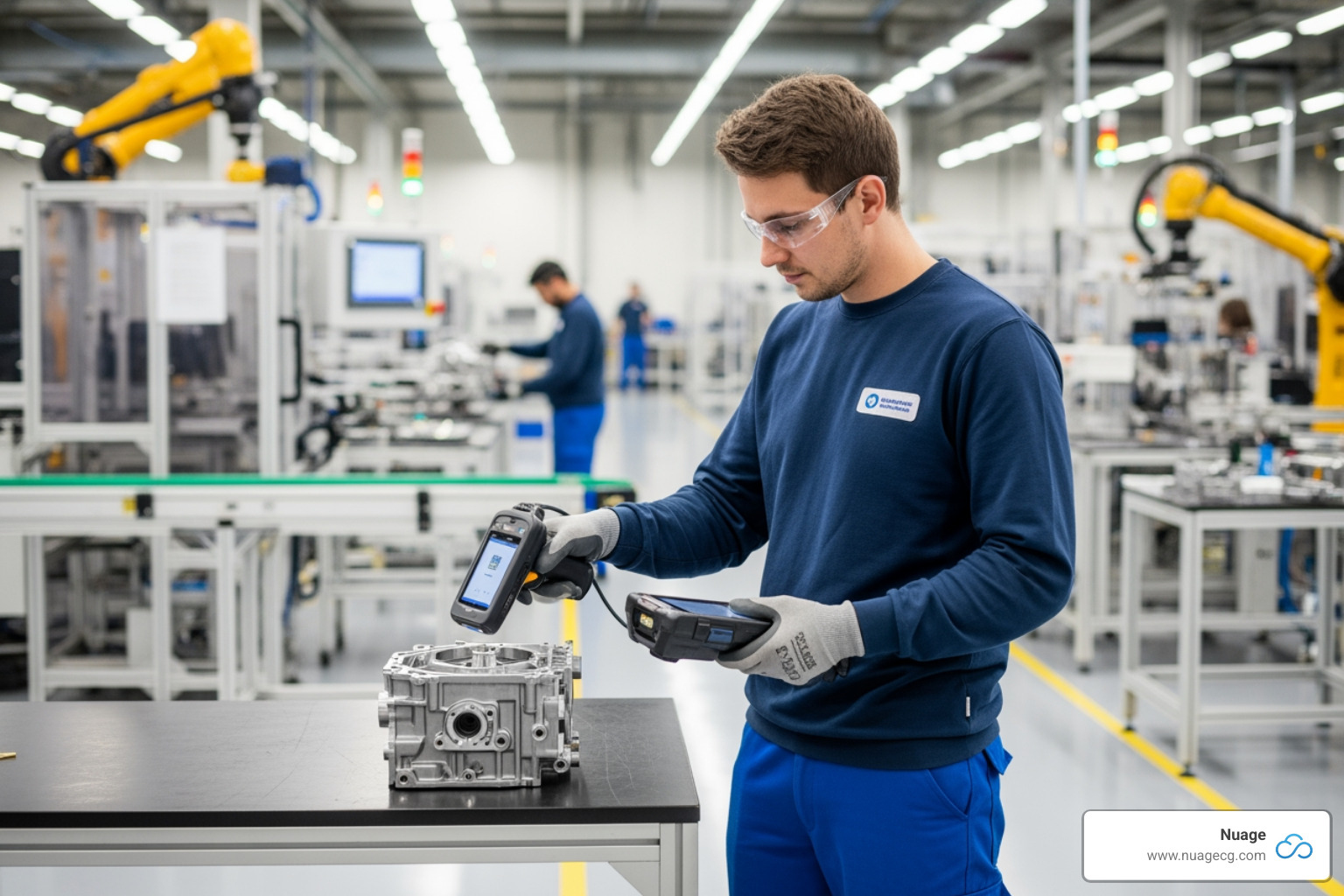
NetSuite manufacturing mobile is a browser-based SuiteApp that enables production operators to report shop floor data using mobile scanners, eliminating manual paperwork and delivering real-time updates to your NetSuite account.
Key facts about NetSuite Manufacturing Mobile:
- Included with NetSuite Manufacturing – No Advanced Manufacturing or WMS license required
- Real-time data capture – Component consumption, production quantities, and scrap reporting
- GS1 barcode support – Auto-populates lot and serial numbers when scanning
- Unified mobile access – Perform both manufacturing and WMS activities on the same device
- Wireless transactions – Browser-based app works on mobile scanners throughout your warehouse
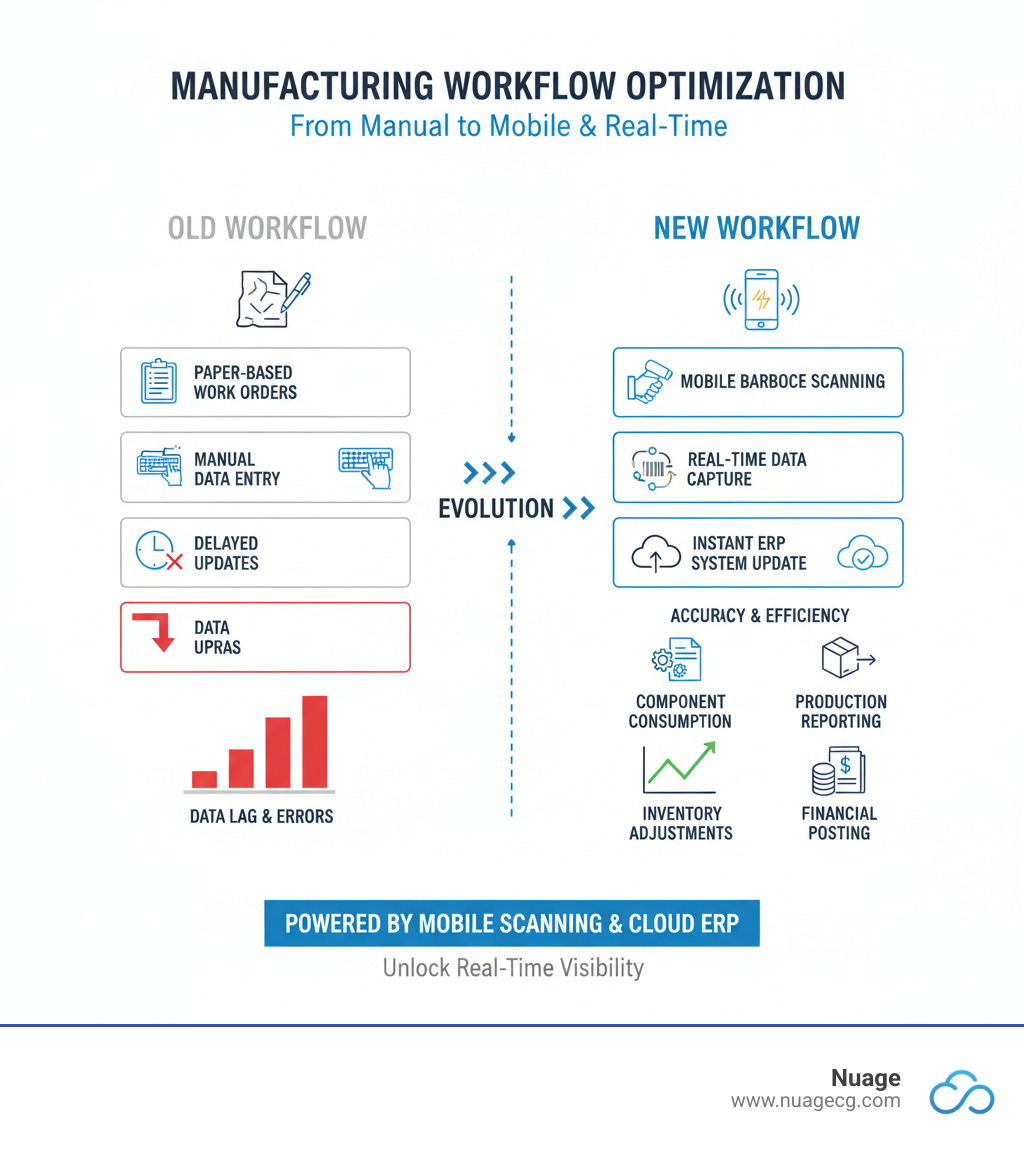
Many manufacturing facilities still rely on paper travelers and manual, end-of-shift data entry. This creates a gap between your production floor and your ERP system, meaning managers see yesterday’s numbers when it’s already too late to correct course.
The NetSuite manufacturing mobile solution closes this gap by putting real-time data capture into operators’ hands. Instead of using paper, your team can report consumption, production, and scrap as it happens. This ensures your inventory records, work-in-process costs, and production dashboards reflect actual shop floor activity in real time.
As Louis Balla, CRO and partner at Nuage, I’ve spent over 15 years helping manufacturers optimize their NetSuite manufacturing mobile implementations. In this guide, I’ll explain how production operators use this mobile solution and what it takes to get started.
What is NetSuite Manufacturing Mobile?
Traditionally, production floors run on clipboards and paper travelers, with data manually entered into a computer at the end of a shift. NetSuite Manufacturing Mobile replaces this outdated workflow by putting the power of your ERP system directly into operators’ hands through mobile scanners.
This browser-based SuiteApp allows operators to report component consumption, finished goods, and scrap materials as these activities happen. Transactions are sent wirelessly and update your NetSuite account in real-time, so your inventory, WIP costs, and production dashboards are always accurate. Because it runs in a browser, the app works on various mobile hardware with minimal training and no complex installation.
Core Functionalities for Production Operators
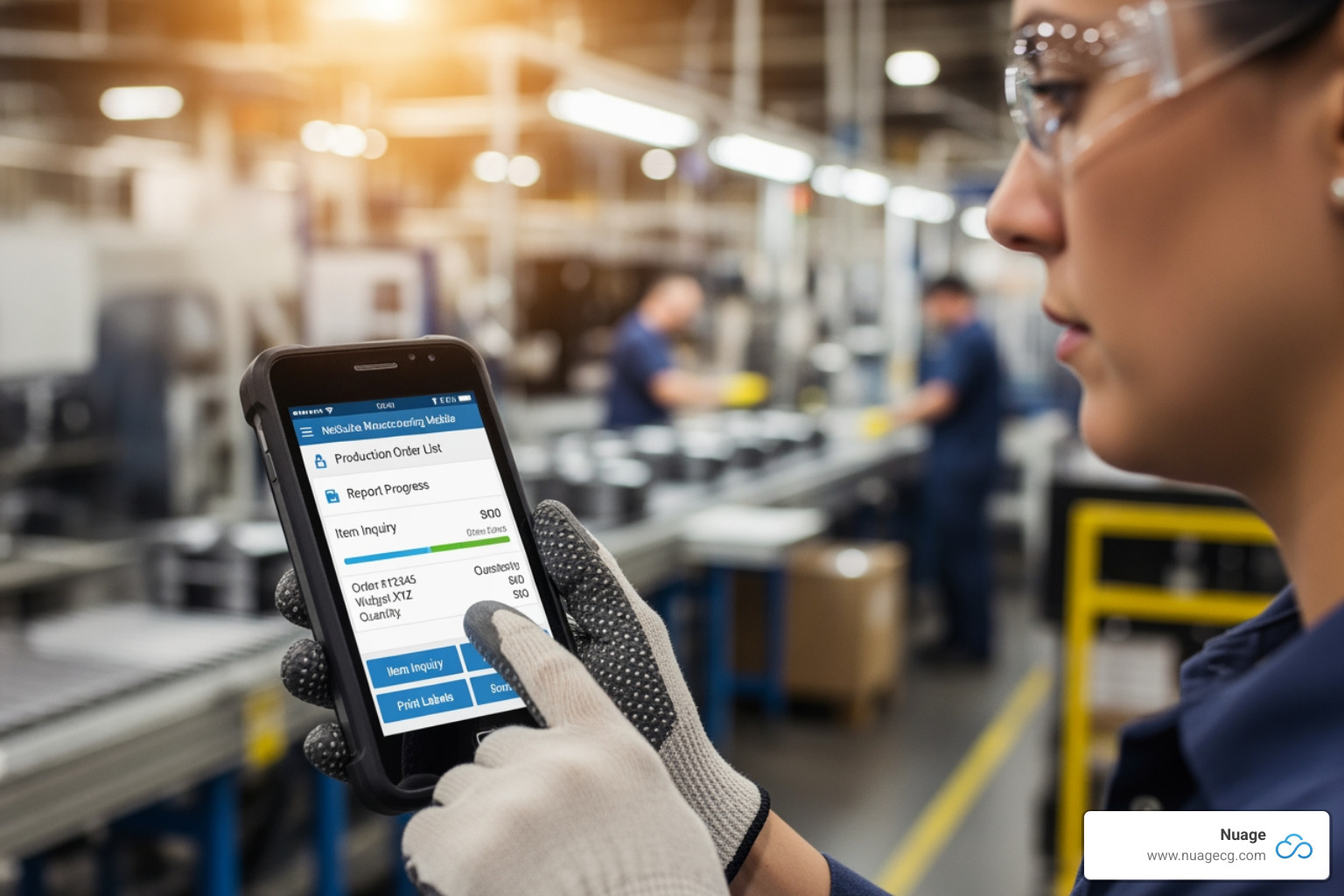
NetSuite Manufacturing Mobile handles the core transactions operators perform daily:
- Component Consumption: Operators report material usage through their scanner, with the Bill of Materials (BOM) displayed on-screen to guide them.
- Production Reporting: As finished goods are completed, operators report quantities immediately, updating inventory and work order statuses in NetSuite.
- Scrap Reporting: A key feature added in the NetSuite 2023 Release 2 Enhancements, this allows operators to log scrap in real-time, providing a complete picture of material usage and waste.
- GS1 Barcode Scanning: This accelerates data entry and eliminates errors by auto-populating lot numbers, serial numbers, and other data from a single scan.
- Lot and Serial Number Tracking: The app supports robust tracking and can auto-generate lot numbers via the Lot Auto Numbering SuiteApp.
Licensing and Accessibility: What You Need to Know
One of the most common questions we hear is about licensing. The answer is simple: if you have the standard NetSuite Manufacturing feature with assembly and work order capabilities, you already have access to Manufacturing Mobile. It’s included in your subscription.
You don’t need an Advanced Manufacturing or a separate WMS license. The Manufacturing Mobile functionality is bundled with the core features. This makes mobilizing your shop floor accessible and cost-effective. The main requirements are installing the SCM Mobile and Manufacturing Mobile bundles and configuring them for your workflows.
Key Benefits of Using NetSuite Manufacturing Mobile on the Shop Floor
Implementing NetSuite Manufacturing Mobile isn’t just about swapping paper for screens; it’s about fundamentally changing how information flows through your operation. When operators report data in real time and managers see what’s happening on the floor right now, your business gains real, measurable improvements.

Boosting Efficiency and Accuracy in Daily Tasks
By replacing paper-based workflows, NetSuite manufacturing mobile drives immediate gains on the shop floor. Operators use mobile scanners to capture data digitally at the point of activity, leading to:
- Reduced Paperwork: Eliminates the need to print, file, and search for paper work orders and logs.
- Minimized Human Error: Barcode scanning and guided workflows dramatically reduce typos and miscounts, leading to fewer inventory surprises.
- Faster Data Capture: Scanning barcodes takes seconds, freeing up operators to focus on production instead of data entry.
- GS1 Barcode Automation: A single scan can capture an item, lot number, quantity, and expiration date, which is transformative for traceability.
- Badge Swipe for Process Control: Optional badge swipes create an audit trail of who completed each operation and how long it took, providing valuable labor data.
- Streamlined Workflows: The app’s clear, on-screen instructions make it easy for new operators to follow procedures without deep ERP knowledge.
Gaining Real-Time Visibility and Control
The shift from delayed reporting to instant visibility is where NetSuite Manufacturing Mobile delivers its greatest power. Because data from the floor flows directly into NetSuite, managers and planners gain:
- Instant Inventory Updates: Planners and purchasers see actual stock levels, not estimates, improving supply chain accuracy.
- Live Work Order Status: Managers can see which orders are in progress, complete, or behind schedule, allowing them to adjust resources proactively.
- Accurate Work-in-Process (WIP) Costing: Real-time consumption and scrap reporting lead to precise WIP costing and more accurate financial reports.
- Actionable Data: Real-time KPIs on scrap rates, throughput, and labor utilization help managers spot trends and optimize processes.
- Improved Production Planning: With accurate inventory and capacity data, planners create better schedules with fewer rush orders and material shortages.
This real-time visibility eliminates the disconnect between your shop floor and your ERP. At Nuage, we call this closing the NetSuite Divide.
Supported Shop Floor Processes and Workflows
NetSuite Manufacturing Mobile is designed to integrate with your existing NetSuite environment, supporting the essential processes that keep your factory running. The mobile workflow is built for flexibility, allowing operators to capture data as it happens. Key supported processes include work order management, component issues, production reporting, and scrap logging. Every transaction synchronizes immediately, creating a single source of truth.
To learn more about NetSuite’s broader capabilities, see our overview of NetSuite for Manufacturing.
A Day in the Life: Using netsuite manufacturing mobile
A typical production shift with NetSuite manufacturing mobile is a series of simple, guided steps:
- Work Order Selection: An operator logs in and selects an assigned work order by scanning a barcode or choosing from a list.
- Component Consumption Reporting: As parts are used, the operator scans the item barcode and confirms the quantity. GS1 scans auto-capture lot numbers.
- Reporting Production Quantities: When finished goods are complete, the operator scans the item and enters the quantity. The app guides them through lot/serial number creation if needed.
- Recording Scrap Material: If a component or finished good is scrapped, the operator logs it on their device, ensuring accurate waste tracking and costing.
- Completing Manufacturing Operations: At each stage (e.g., assembly, testing), the operator updates the work order status. Optional badge swipes can track who performed each step and for how long.
This video provides a great breakdown of how work orders and routing function in NetSuite: NetSuite Work in Progress (WIP) and Routing.
How Data Flows: Inventory and Financial Updates
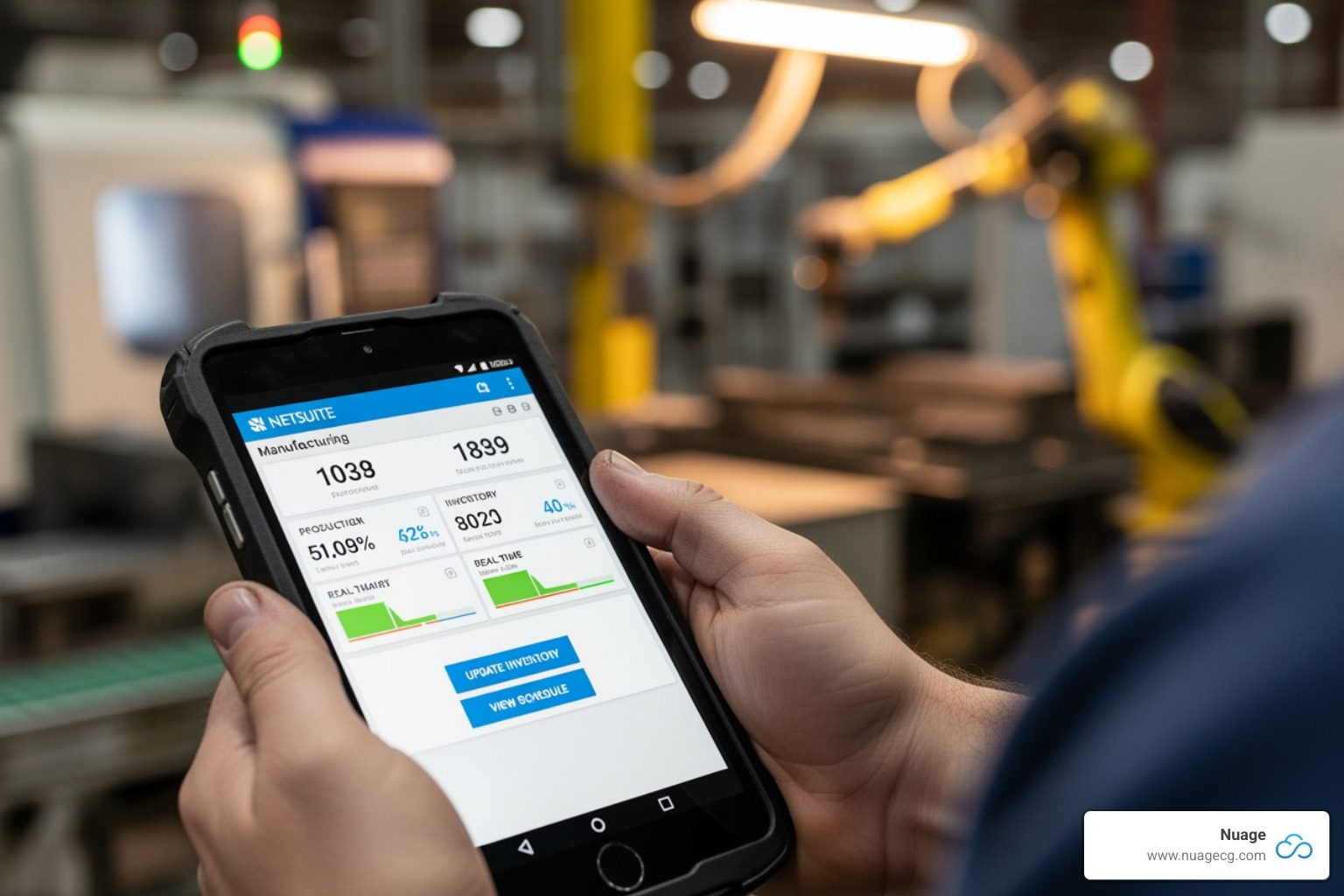
The real power of NetSuite manufacturing mobile is its real-time data flow. With the Real-Time Build setting enabled, every transaction triggers immediate system-wide updates:
- Automatic General Ledger (GL) Updates: Financial records stay current as material movements have immediate accounting implications. The value of components moves to WIP, and the cost of finished goods moves from WIP to finished goods inventory.
- Live Inventory Record Adjustments: Available stock levels are always accurate, reflecting consumption and production as they happen. This transforms production planning and order fulfillment.
- Lot and Serial Number Tracking: GS1 barcode scanning and integration with the Lot Auto Numbering SuiteApp make traceability effortless and complete.
This seamless data flow eliminates the discrepancies, manual reconciliation, and mystery shortages common in paper-based systems.
Getting Started with NetSuite Manufacturing Mobile
Setting up NetSuite Manufacturing Mobile is more straightforward than many manufacturers expect. At Nuage, we’ve found that most teams can get up and running quickly.
The foundation is the SCM Mobile bundle, which allows your team to access both warehouse management and manufacturing functions from the same device. An operator can receive materials and report production from the same mobile scanner without logging in and out, creating a seamless workflow.
Initial Setup and Configuration Steps
After installing the SCM and Manufacturing Mobile bundles, your NetSuite administrator can follow these key configuration steps:
- Install the SCM & Manufacturing Mobile bundles to provide the core functionality.
- Enable Features: In NetSuite, steer to Setup > Company > Enable Features. On the Company subtab, enable Locations. On the Items & Inventory subtab, enable Work Orders and consider enabling Bin Management for more granular inventory control.
- Set Up Accounting Periods: Go to Setup > Accounting > Manage Accounting Periods to ensure manufacturing activities flow correctly into your financial reports.
- Create a WIP Bin: This dedicated bin is crucial for tracking Work-in-Process inventory as materials move through production.
For more technical details, refer to the NetSuite Applications Suite – Manufacturing Mobile Overview documentation.
Latest Features in netsuite manufacturing mobile (2024.2 Updates)
NetSuite continuously improves the mobile app. The 2024.2 update includes several valuable improvements:
- Improved GS1 Barcode Scanning: More reliable auto-population of lot and serial numbers, reducing manual entry and improving traceability.
- Lot Auto Numbering SuiteApp Integration: The system can now automatically generate lot numbers as items are produced, streamlining workflows for high-volume manufacturers.
- Employee Badge Swipe for Process Control: Managers can require badge swipes to start and end manufacturing steps, providing precise data on who performed each operation and for how long.
- Cost Variance Analysis SuiteApp: This complementary app uses the real-time data from your mobile solution to help you visually analyze and understand deviations between planned and actual costs.
To explore all improvements, read the latest release notes for NetSuite 2024.2.
Frequently Asked Questions about NetSuite Manufacturing Mobile
At Nuage, we often answer the same key questions from manufacturers exploring NetSuite manufacturing mobile. Here are the most common inquiries.
Do I need an expensive license to use Manufacturing Mobile?
No, you do not. The mobile solution is included with the standard NetSuite Manufacturing feature. You don’t need an Advanced Manufacturing or a separate WMS license. If you use assembly items and work orders, a standard license is sufficient to use both the Manufacturing Mobile and SCM Mobile bundles. This makes it a cost-effective way to modernize your shop floor.
Can I use the same device for warehouse (WMS) and manufacturing tasks?
Yes. The unified SCM Mobile application allows your team to perform both manufacturing and WMS activities on the same scanner. An operator can receive raw materials, report component consumption, and put away finished goods on one device without logging in and out of different apps. This seamless switching saves time and simplifies training.
How does it handle lot and serial numbers?
NetSuite manufacturing mobile provides impressive automation. When operators scan GS1 barcodes, the system automatically populates lot and serial numbers, which speeds up data entry and eliminates transcription errors. For lot-controlled items, it also integrates with the Lot Auto Numbering SuiteApp to generate lot numbers automatically. This ensures complete traceability, which is critical for quality control and regulatory compliance.
Conclusion: Empowering Your Production Team
For too long, the shop floor has been disconnected from the digital systems running the business. NetSuite manufacturing mobile closes that gap. By enabling operators to capture data in real-time, your ERP system finally reflects reality as it unfolds.
This shift drives remarkable improvements. Efficiency increases as operators spend less time on paperwork. Accuracy jumps thanks to barcode scanning and guided workflows. Most importantly, managers gain the real-time data needed to optimize processes and make informed decisions before small problems become big ones.
The solution is also highly accessible. The mobile interface is intuitive for operators, and the required license is already included with the standard NetSuite Manufacturing feature—no surprise costs.
At Nuage, we have over two decades of experience helping businesses bridge the gap between their operations and their systems. We don’t just turn on features; we optimize your entire NetSuite environment to work the way your business operates.
If you’re ready to eliminate the disconnect between your shop floor and your ERP and empower your production team with smarter tools, we can help you get there.
Optimize your NetSuite environment with our expert team.