By Louis Balla, Chief Revenue Officer, Nuage.
NetSuite accounts payable automation covers five steps: capturing vendor bills from PDFs, coding them, routing them for approval, matching them to purchase orders and receipts, and paying them. NetSuite’s Bill Capture, approval workflows, 3 Way Match workflow and Electronic Bank Payments SuiteApp cover these steps, and AP platforms add features on top.
Keying bill header and line data, coding it, chasing an approver and matching the bill to a purchase order takes AP staff time before the month-end close starts. This guide follows a vendor bill through the process, explains which parts NetSuite documents as native and shows where to start.
How does NetSuite accounts payable automation work end to end?
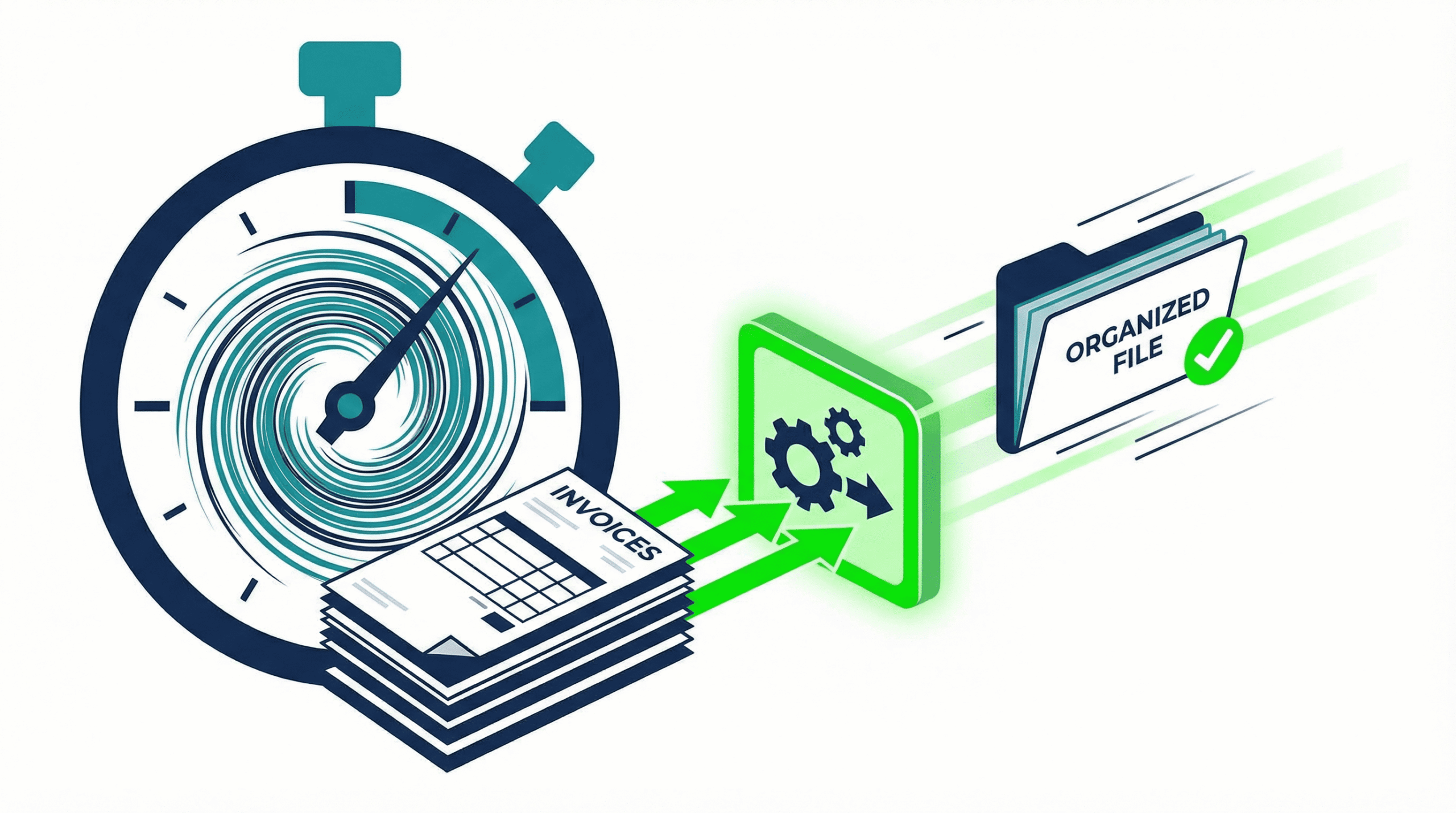
A manual AP process in NetSuite moves through seven stages: invoice receipt, data entry into a vendor bill record, GL coding, approval routing, three-way PO matching, posting and payment scheduling. Each handoff adds delay, and every manual keystroke can add an error. Automation compresses these stages by adding capture, rules-based approval and matching to the vendor bill record. Here is how each stage changes:
- Invoice capture: Oracle’s Bill Capture lets you email or upload vendor bill files in PDF, JPEG or PNG format, and it extracts key values from the file. Someone reviews the scanned details before the bill is created, and the bill is then processed like any other vendor bill.
- GL coding: The AP clerk checks the account, department and class on each line during that review. Accurate vendor, item and purchase order records help Bill Capture suggest matches, so master data quality sets how much review is needed.
- Approval routing: SuiteApprovals supports vendor bills among its record types, with employee approval limits, hierarchical or custom routing and delegation. Custom approval chains can also be built in SuiteFlow. Illustratively, a $2,000 office-supply bill can follow a different path than a $50,000 equipment purchase, and the thresholds are set by your policy.
- Three-way matching: Oracle’s 3 Way Match Vendor Bill Approval Workflow validates the details of a vendor bill against its purchase order and item receipt. It uses quantity and amount tolerance limits, and bills with discrepancies beyond the limits are routed to a supervisor for review.
- Payment scheduling: The Electronic Bank Payments SuiteApp generates payment files for vendor bills, and it supports term and early-payment discounts and credit applications.
Which parts of AP automation are native to NetSuite and which come from add-on platforms?
NetSuite’s own tools cover capture, approval routing, three-way matching and payment files, as listed above. Separate AP platforms are also available. They bring their own capture, workflow and payment features and connect to NetSuite through an integration that your team maintains. The choice depends on your invoice volume, how many entities and approval paths you have, and who will support the integration. Map what NetSuite already documents against your requirements before you buy anything, and our guide to data entry automation in NetSuite shows how clients have weighed bill capture against separate platforms.
What does NetSuite AP automation cost?
Cost has three parts: the software, the setup and integration work, and the AP team’s time to test and adopt the change. NetSuite’s own products are priced through your NetSuite account team, and third-party AP platforms set their own pricing. Setup cost depends on the approval paths, the tolerance rules and how many entities you have. We do not publish a figure here because none applies to every account.
What AP automation work do our clients ask for?
At least 121 client requests from May 2023 through September 2026 asked us by name to automate something, across 57 client accounts. The biggest groups were vendor bills and payables (20), invoicing and billing (15) and bank work (14), followed by email notifications and journal entries. Procure-to-pay work, covering purchase orders, vendor records, bills, payments and approval routing, made up 192 of the 3,241 tickets we classified (5.9%). By the time we measured, 105 of the 192 had closed, with a median of 15.2 calendar days.
A nonprofit housing organization wanted its vendor payment screen to open with the right items already selected: vendor bills, expense reports and journal entries with an amount due, paid by check or ACH, and never vendor credits or items paid online or by auto-draft. Our developer built a custom version of the payment page that applies those rules on load and shows every eligible line on one page. The client’s reply after testing in sandbox: “Amazing, thank you! Please deploy to production.”
How do you measure whether AP automation is working?
Build saved searches and dashboards in NetSuite around these indicators, and set targets from your own baseline:
- Average invoice cycle time: days from invoice receipt to payment, tracked separately for invoices with and without exceptions.
- Cost per invoice: total AP department cost divided by invoices processed.
- Exception rate: the percentage of invoices that need manual intervention.
- Discount capture rate: early-payment discounts captured as a share of those available.
- Days to close: calendar days from period end to finalized books, tracked month over month.
AP items such as unapproved bills and unmatched receipts have to be cleared before a period can close, so these measures also show up in the close. Our financial close automation guide covers the rest of the close, and the advanced procurement guide covers the purchasing side of three-way matching.
How Nuage approaches accounts payable automation
On client accounts, our team works in roughly this order. The order changes with each account.
- Map the AP process as it runs today. We list each stage from invoice receipt to payment, who owns it and where bills wait.
- Check master data first. Vendor, item and purchase order records are cleaned up so capture and matching have accurate records to work against.
- Decide native or platform. We lay out the choice between NetSuite’s own tools and a separate AP platform for the client’s volume and entities, and we run demos where a client wants to see them.
- Build the payment and approval rules. Payment selection rules, approval thresholds and three-way match tolerances are agreed with the AP lead and the controller.
- Test in sandbox, then move to production. The client tests with real bills before anything is deployed.
Nuage’s NetSuite experts do this work as part of NetSuite optimization and managed services. Approval design is its own topic, and our guide to NetSuite approval workflows covers it. To see where your AP process stands, request the free NetSuite Performance Scorecard or schedule a call with a NetSuite expert.
Frequently asked questions about NetSuite AP automation
How can I enter invoices faster in NetSuite?
Use Bill Capture to create vendor bills from emailed or uploaded PDFs instead of keying them, and keep vendor, item and purchase order records accurate so the suggestions are right. For recurring or multi-line bills, ask your administrator about defaulting values that rarely change, so the clerk edits only the exceptions.
How much does NetSuite AP automation cost?
It depends on the tools, the setup and the volume. NetSuite’s own products are priced through your account team, third-party AP platforms set their own prices, and setup cost follows the number of approval paths, entities and integrations. Ask each vendor for pricing against your invoice volume, and budget separately for configuration and testing.
How do I know if my AP process is ready for automation in NetSuite?
Check data and process consistency first: vendor master accuracy, purchase order discipline and clear approval ownership. If your team often works around missing POs, inconsistent coding or unclear approvers, address those gaps before automating so the automation does not create new exceptions.
What security and access controls should we review when automating AP?
Confirm segregation of duties across bill entry, approval and payment execution, then enforce role-based permissions and approval limits. Add audit-friendly logging for who changed vendor details, bank information or payment terms, and review those logs regularly. Any integration should run under its own role with only the permissions it needs.
What are common implementation pitfalls, and how can we avoid them?
Frequent issues are automating a process that was already broken, underestimating master data cleanup and skipping exception design. Document exception paths up front, clean vendor and item data, and set clear success criteria for each rollout phase. A short pilot with a few vendors and one business unit builds confidence before a company-wide rollout.
About the author
Louis Balla is Chief Revenue Officer at Nuage, a NetSuite optimization partner that has served 250+ clients since 2011 and holds a 4.9 out of 5 rating on Clutch. The client work in this article is our team’s.