

What is Bill of Materials NetSuite and Why It Matters
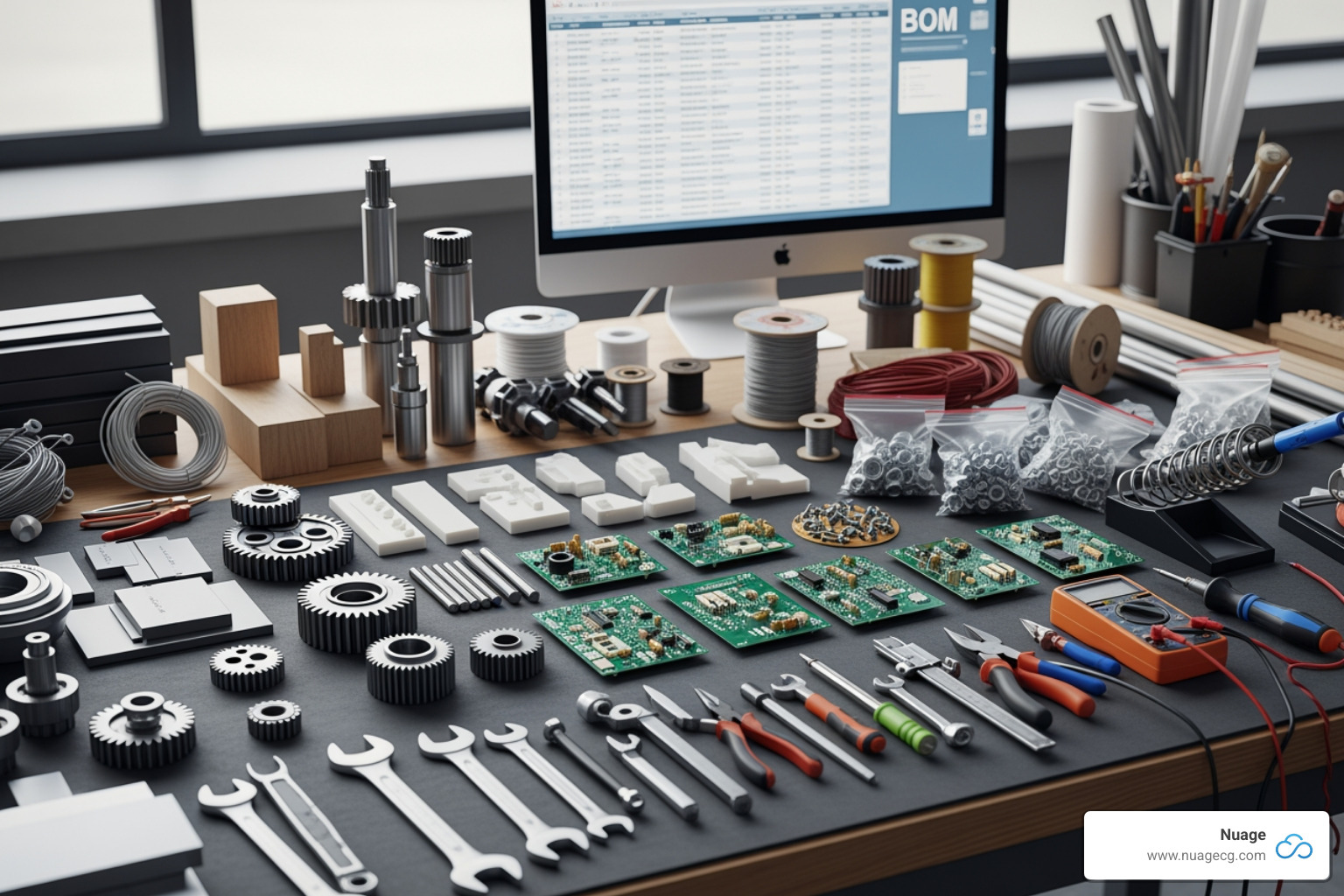
Bill of materials NetSuite is a core manufacturing module for defining and tracking all raw materials, components, and sub-assemblies needed to build a product. It’s a structured, hierarchical list that acts as a blueprint for production. NetSuite offers both legacy and Advanced BOM functionality, with the latter providing superior features like single BOMs for multiple assemblies, lifecycle-specific BOMs, and robust revision tracking. Key capabilities include multi-level BOM support, automatic cost roll-ups, and seamless integration with inventory and production.
The primary benefit is changing manual spreadsheets into a centralized, automated system that reduces errors, controls costs, and improves collaboration. Many companies struggle with outdated, error-prone BOM spreadsheets, leading to shortages, delays, and budget overruns. NetSuite’s integrated approach eliminates these issues by providing a single source of truth for all product data, synchronizing departments and improving time-to-market.
I’m Louis Balla, and with 15 years in supply chain optimization, I’ve seen how a proper Bill of materials NetSuite implementation open ups major operational efficiencies. At Nuage, I help manufacturing teams overcome complex BOM challenges to achieve transformational growth.
The Blueprint of Production: Understanding the Bill of Materials
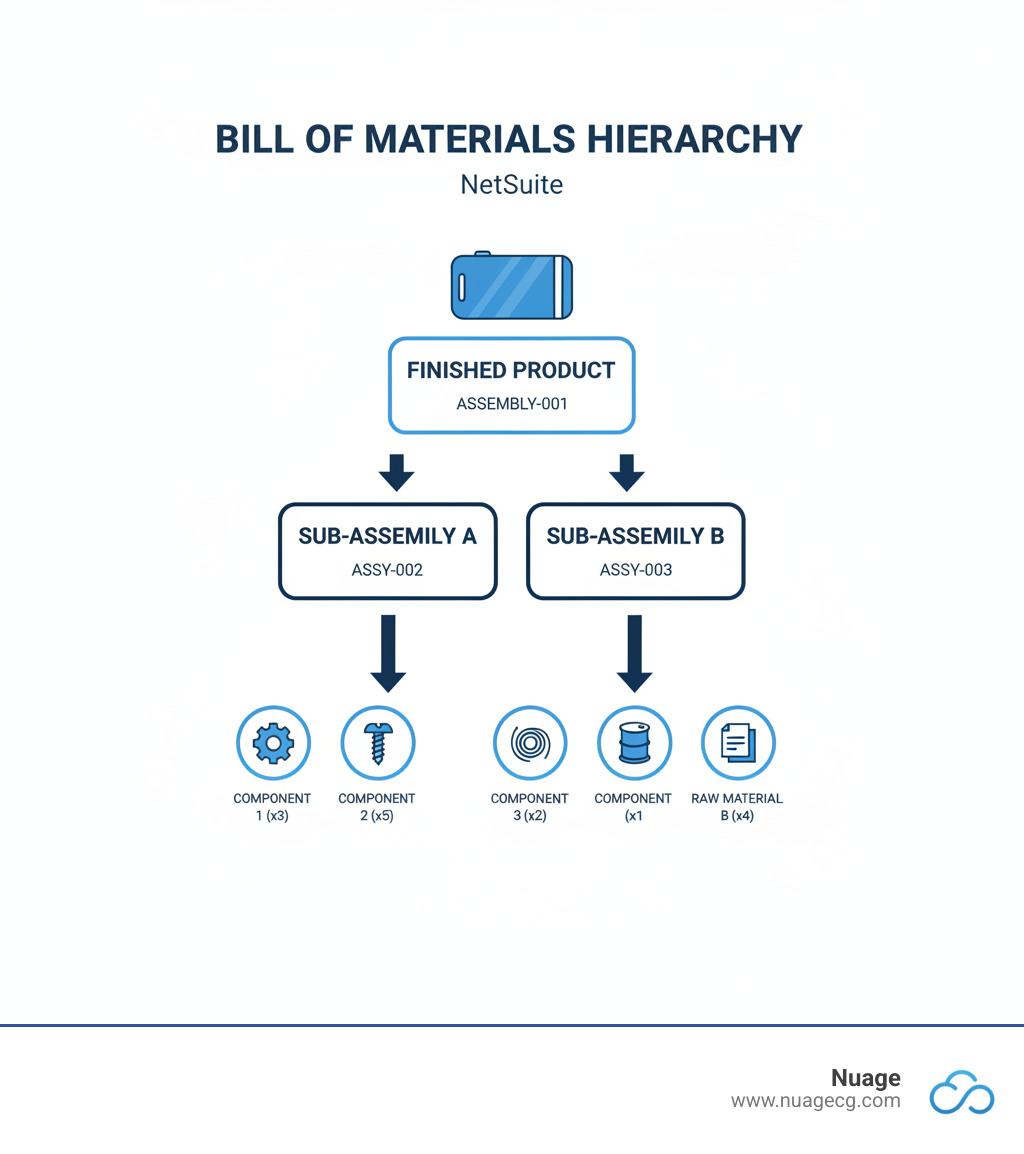
A Bill of Materials is the DNA of your product—a detailed manufacturing recipe. This structured, hierarchical list identifies every raw material, component, and sub-assembly needed to build a finished product. More than a shopping list, a BOM acts as a centralized data hub for your entire operation, enabling efficient resource planning, accurate cost estimation, and robust quality control. When all departments work from the same blueprint, it reduces errors, provides clear visibility, and keeps the entire manufacturing process synchronized.
Essential Components of a BOM
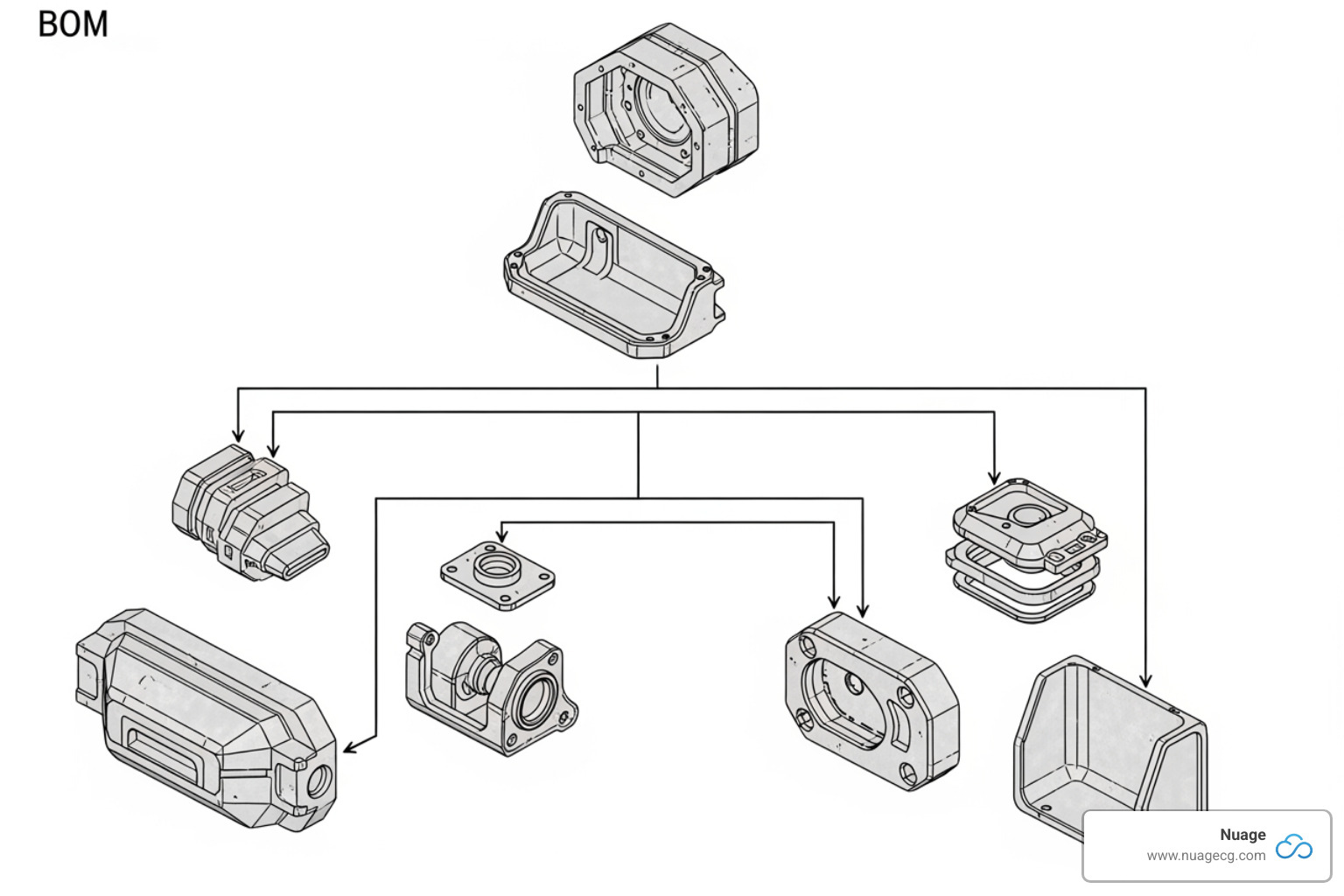
An effective Bill of materials NetSuite record is carefully organized. Key components include:
- Part Number: A unique identifier for tracking and management.
- Part Name & Description: A clear name and detailed description with specifications to prevent confusion.
- Quantity & Unit of Measure: The exact amount of each component needed (e.g., “each,” “foot,” “kilogram”) to prevent shortages or excess stock.
- Procurement Type: How each component is sourced (purchased, made in-house, subcontracted).
- Phase: The component’s lifecycle stage (e.g., “in design,” “in production,” “obsolete”) to guide procurement.
- Reference Designators: Used in electronics to specify a component’s location on a circuit board.
- Notes: A field for special instructions or handling requirements.
Common Types of Bills of Materials
Different BOMs serve different purposes across the product lifecycle:
- Engineering BOM (EBOM): Created during design, it reflects the engineer’s vision, including prototypes and test parts.
- Manufacturing BOM (MBOM): Used for production, it lists all components needed for a shippable product, including packaging and consumables.
- Sales BOM (SBOM): Used by sales teams to show finished products and optional add-ons to customers.
- Configurable BOM: Allows for dynamic component selection for customizable products.
- Modular BOM: Breaks products into interchangeable sub-assemblies, allowing for variation (e.g., using the same engine across different car models).
- Assembly BOM: Focuses on sub-assemblies that are building blocks for larger, more complex products.
Manual vs. Automated BOM Management
While many manufacturers start with spreadsheets for BOM management, this manual approach quickly becomes a liability. It’s prone to data entry errors, lacks real-time updates, and creates data silos, leading to production delays, waste, and miscommunication. Version control is a nightmare, hindering agility.
An ERP Solution for Manufacturing like NetSuite provides a centralized source of truth. Implementing Bill of materials NetSuite functionality automates BOM creation, management, and revision tracking. Everyone works from the same accurate information, from engineering to production. This automation reduces errors, improves collaboration, and enables real-time updates for costs and inventory. It’s the difference between reacting to problems and preventing them.
Opening up Efficiency with the Bill of materials NetSuite Module
Scattered component data creates chaos in manufacturing. NetSuite’s Bill of materials NetSuite module, a cornerstone of NetSuite’s Manufacturing module, unifies this data into a single system. This provides real-time visibility, accuracy, and scalability. We’ve seen companies in California and Florida use this module to transform chaotic processes into efficient, competitive workflows.
Key Features: From Legacy to Advanced BOM
NetSuite’s Advanced Bill of Materials is a significant leap from the legacy version. When enabled, it automatically converts existing BOMs to read-only legacy records, preserving historical data.
Key Advanced BOM features include:
- Single BOM for Multiple Assemblies: Reduce redundancy by using one standard BOM (e.g., a wheel assembly) across various finished products (e.g., different bicycle sizes).
- Multiple BOMs for One Assembly: Assign different BOMs to a single item to manage regional variations, such as using different suppliers for facilities in California and Florida.
- Lifecycle-Specific BOMs: Ensure engineering, production, and subcontracting teams use the correct BOM for each stage of the product lifecycle.
- Component Yield: Account for material loss or waste at the BOM revision level, leading to more accurate procurement and fewer shortages.
These features provide the granular control needed in complex production environments. Our Netsuite Advanced Manufacturing Complete Guide explores this ecosystem further.
Mastering Multi-Level BOMs and Revisions in NetSuite
Modern products are complex hierarchies of sub-assemblies. NetSuite’s multi-level BOMs manage this by defining clear parent-child relationships, creating an “exploded view” of your product’s structure down to the smallest component. The system also supports phantom assemblies—logical groupings of materials that aren’t stocked as items but simplify BOM organization.
Products evolve, and without proper version control and revision tracking, this leads to chaos. NetSuite tracks every change with full transparency. New revisions get a unique ID and effective start/end dates, ensuring the correct BOM is always used. This 1:N relationship (one BOM, many revisions) prevents overlapping versions and maintains a clear audit trail through effective dates and change logs. This is vital for quality assurance and connects directly to Netsuite Inventory Control to ensure component availability.
Practical Application: Running a BOM Inquiry
A structured BOM is only useful if its data is accessible. NetSuite’s BOM Inquiry feature (Transactions > Manufacturing > Bill of Materials Inquiry) provides a powerful window into your assembly items. It shows all member components, quantities, and even sub-assembly details for any selected item and location (e.g., your Manhattan Beach or Jacksonville facility).
You can adjust the detail level from a top-level overview to a full multi-level breakdown and filter by date or specific revision. The most valuable feature is the real-time inventory status for each component, showing what’s on hand, available, back-ordered, and on order. This instant visibility prevents surprises and allows for proactive planning. For further analysis, you can easily export the inquiry to Excel or CSV. The Bill of Materials Inquiry in NetSuite documentation provides more technical details.
The Business Impact: How NetSuite BOM Drives Profitability
A well-managed Bill of materials NetSuite is a strategic tool that directly shapes profitability. By establishing a single source of truth for product components, you create a foundation for smarter decisions, leading to cost reduction, tighter budget control, and smoother collaboration.
Accurate Costing and Budget Management with Bill of materials NetSuite
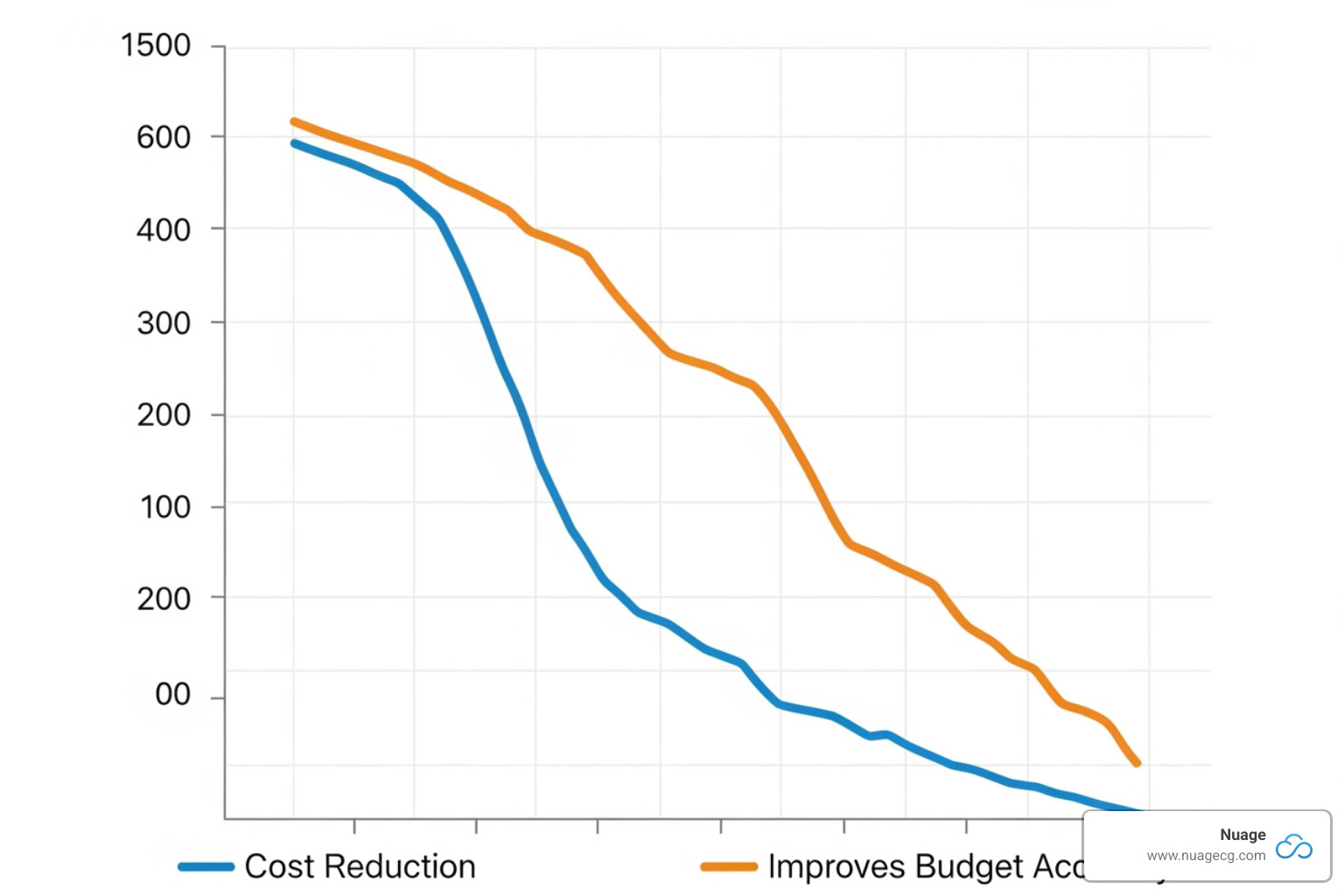
NetSuite’s BOM functionality delivers immediate financial accuracy. The cost roll-up feature aggregates all component costs to calculate a total estimated manufacturing cost, giving you a clear financial picture. This allows for real-time comparison of estimated versus actual costs, helping you protect profit margins.
By accounting for material loss and scrap management via the component yield feature, you build waste prevention directly into your budget. With precise cost data, profitability analysis becomes a data-driven science, enabling informed pricing and optimization. This financial insight integrates with Netsuite Planning and Budgeting for complete control over your manufacturing economics.
Seamless Integration Across Your Operations
The true value of Bill of materials NetSuite lies in its seamless integration across the NetSuite ERP ecosystem, eliminating data silos. The BOM connects with:
- Inventory Management: Provides real-time visibility into component stock levels to prevent shortages.
- Production Control: Acts as the blueprint for generating work orders, scheduling, and resource allocation.
- Purchasing and Procurement: Automates purchase order generation based on BOM requirements and production schedules.
- Financial Management: Flows component costs directly into financial ledgers for accurate accounting.
- Order Management: Ensures product configurations are correct and components are available when customer orders are placed.
This deep Netsuite Integration ensures all departments work from consistent, up-to-date information.
Enhancing Quality, Traceability, and Collaboration
NetSuite’s BOM functionality also improves quality, traceability, and collaboration.
- Quality Management: A precise BOM minimizes assembly errors. Integrated with quality features, it allows for defined inspection plans and real-time monitoring to ensure high standards.
- Component Traceability: A structured BOM simplifies tracing failed components back to specific batches, which is invaluable for recalls, warranty claims, and root cause analysis.
- Cross-Departmental Collaboration: A centralized BOM acts as a single source of truth for design, procurement, and production teams. This synchronizes processes, eliminates miscommunication, and accelerates decision-making, improving time-to-market.
Getting BOM management right, as we’ve seen with clients from Manhattan Beach to Jacksonville, creates a positive impact across the entire organization.
Frequently Asked Questions about NetSuite BOMs
Here are answers to some common questions about Bill of materials NetSuite.
Does a NetSuite bill of materials include labor costs?
A standard Bill of materials NetSuite focuses on physical parts and quantities—the “what.” It does not include labor costs.
Labor costs, machine time, and operational steps are managed in NetSuite’s Manufacturing Routing feature. The routing defines the “how”—the step-by-step process, work centers, and time required. NetSuite’s integrated approach links the BOM and routing to provide a complete picture of total production costs (material + conversion).
What is the difference between a BOM and an Assembly Item in NetSuite?
This is a common question. In short:
- An Assembly Item is the record for the finished product or sub-assembly you build. It’s the “what” you manufacture.
- The Bill of Materials (BOM) is the detailed recipe that lists all components and quantities required to build that specific Assembly Item. It’s the “how.”
Every manufactured Assembly Item requires a BOM. The Assembly Item is the output; the BOM is the input specification.
How does the Bill of materials NetSuite feature handle component substitutions?
Bill of materials NetSuite handles component substitutions through its BOM Revisions feature. Instead of editing an active BOM, which would disrupt historical data, you create a new revision with a future effective date. In this new revision, you can swap components.
The old revision is given an end date to prevent overlaps. This controlled process ensures historical accuracy and traceability, which is vital for quality control and recalls. It allows for a controlled, phased transition to new components without disrupting ongoing production. Proper BOM revision management is a key part of NetSuite Optimization for maintaining quality and continuity.
Conclusion: Build Your Future with an Optimized BOM
Mastering Bill of materials NetSuite is more than learning a feature; it’s about building a foundation of accuracy and efficiency for your manufacturing operation. As we’ve discussed, a well-managed BOM is the blueprint for production, and moving from manual spreadsheets to NetSuite’s integrated system is transformative.
NetSuite’s Advanced BOM, multi-level structures, and revision tracking provide the tools to manage complexity with confidence. The business impact is clear: accurate costing, better budget management, improved quality, and seamless collaboration. In today’s competitive market, an optimized BOM is the difference between reacting to problems and preventing them, turning operational efficiency into a competitive advantage.
At Nuage, with over 20 years of experience in digital change, we act as your NetSuite Optimization Engine. We don’t just sell software; we partner with you to find the right solution, ensuring your BOMs are accurate and your operations run at peak performance. Whether you’re starting with NetSuite or optimizing an existing system, our team understands the complexities of manufacturing and is ready to help you succeed.
Ready to build your future with an optimized BOM? Explore our NetSuite Solutions to see how we can help transform your manufacturing operations.